MOVE · WALK
Leo · dog
Walk across
Trots from one edge of your screen to the other, sometimes stopping to say hi.
PetPeek turns two photos of your dog, cat or parrot into a tiny desktop companion. It strolls across your screen, lies down beside your spreadsheet and peeks over your code. Then it heads off and lets you get back to it.
One payment · No subscription · No account · Made for Mac
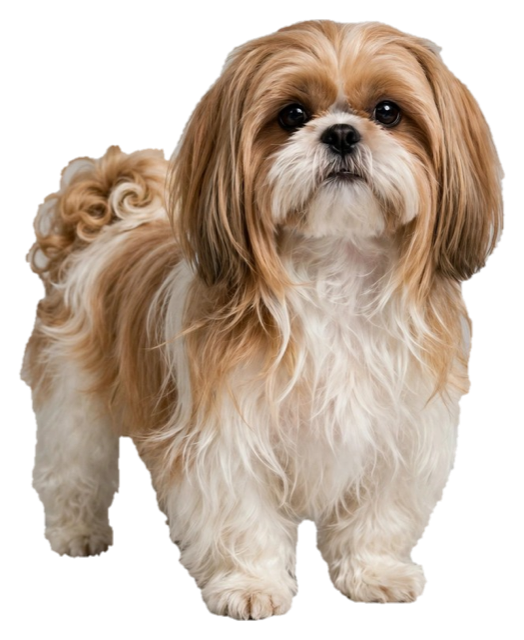
These are Leo and Mochi, two real pets, exactly as they appear on a desktop. Every kind of pet gets its own moves.
Trots from one edge of your screen to the other, sometimes stopping to say hi.
Pops up from the bottom of your screen, looks at you, ducks back down.
Settles in beside your work for a while. Chin on paws, very content.
Stays a whileA long stretch, a big yawn, and she stays right there until you click her.
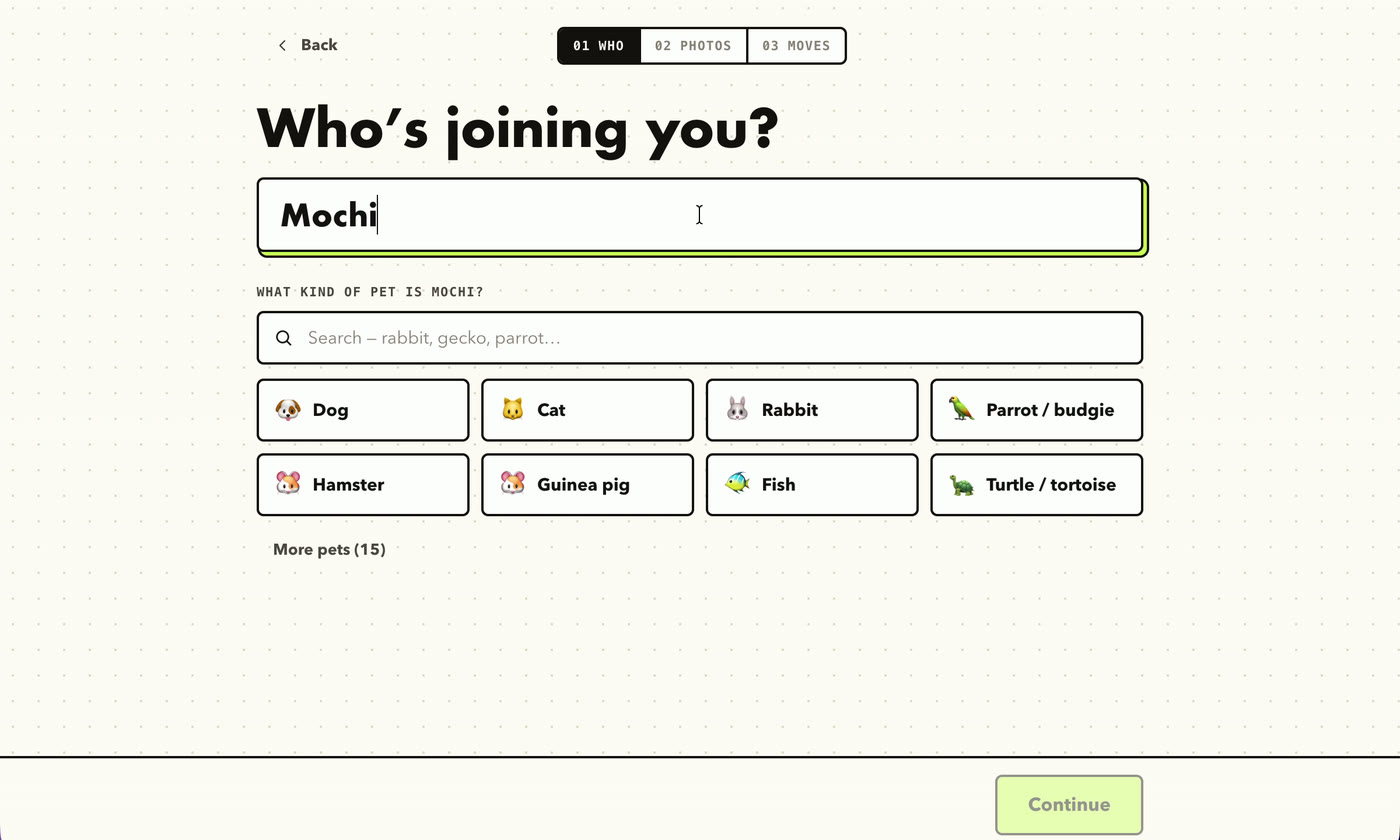
Until you clickGive them a name and pick what kind of pet they are. Dogs, cats, rabbits, parrots, hamsters, fish, tortoises and 15 more, each with moves that suit them.
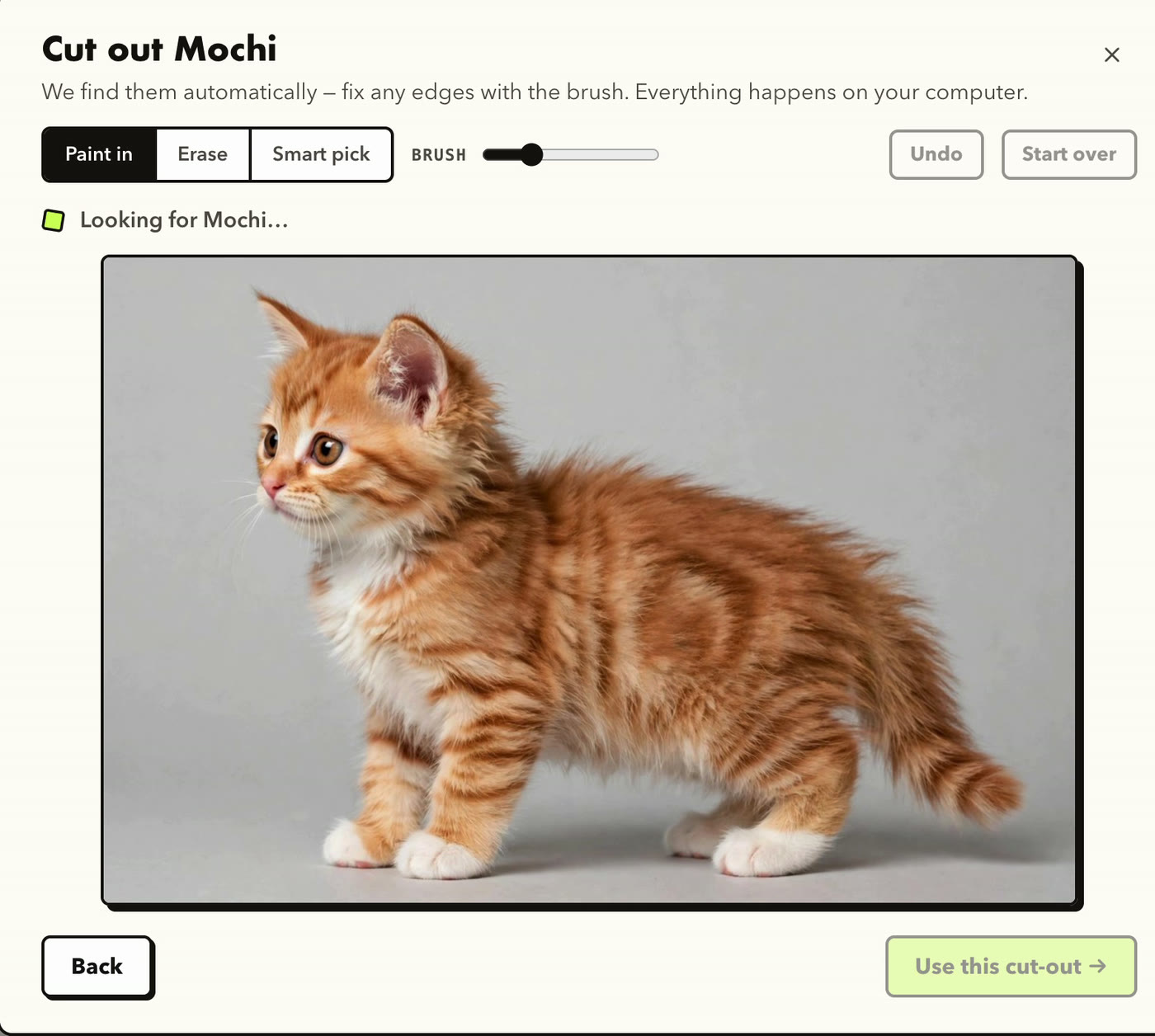
One from the side, one facing you. PetPeek finds your pet and cuts it out automatically. If it misses an ear or a tail, fix it with the brush.
Photos are cut out on your Mac. Only the finished cut-out is sent to make the clips.
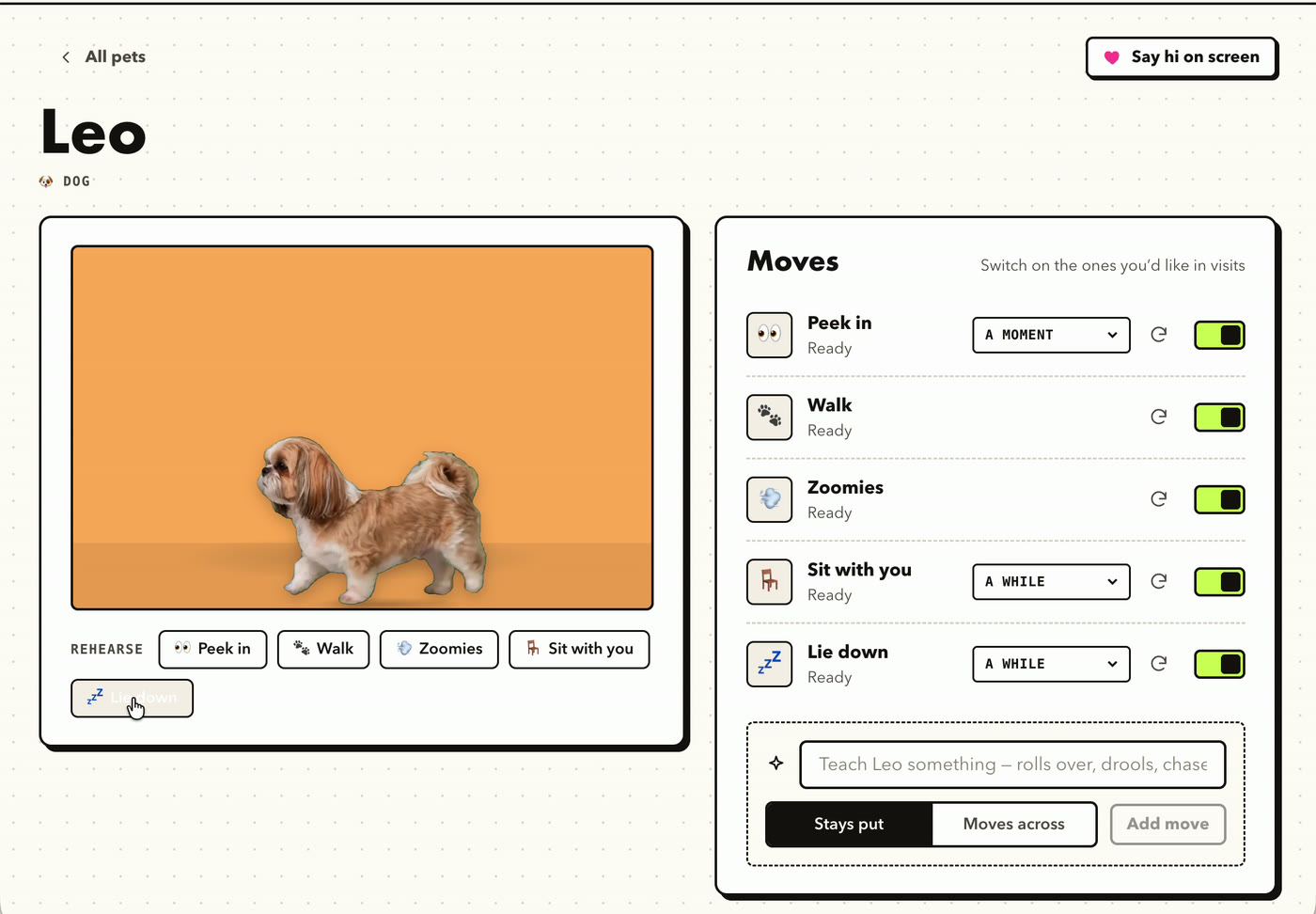
PetPeek makes a short clip for each move. Rehearse them, switch off any you don’t want, choose how long cosy moves stay, or teach a new one like “rolls over”.
Your pet never blocks a button. Select code, click a cell, drag a file right underneath it.
Click your pet and it sends a little heart and heads off. Cosy moves wait for that click.
Spreadsheets, code, slides, the browser, even full-screen apps. Your pet shows up on top of all of them.
Pick in plain words, change it any time.
Add every pet you have. They take turns visiting, so everyone gets a moment.
No visits while your screen is locked. Pause from the menu bar whenever you need focus.
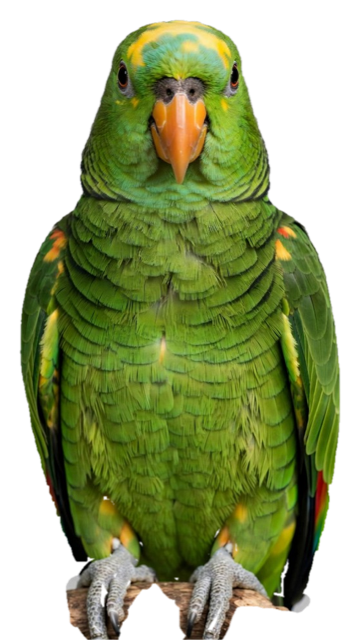
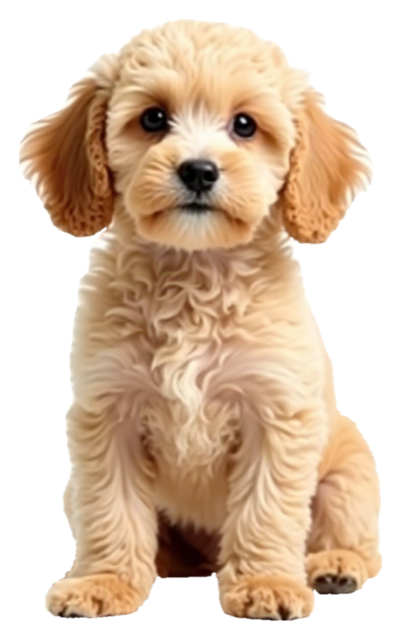
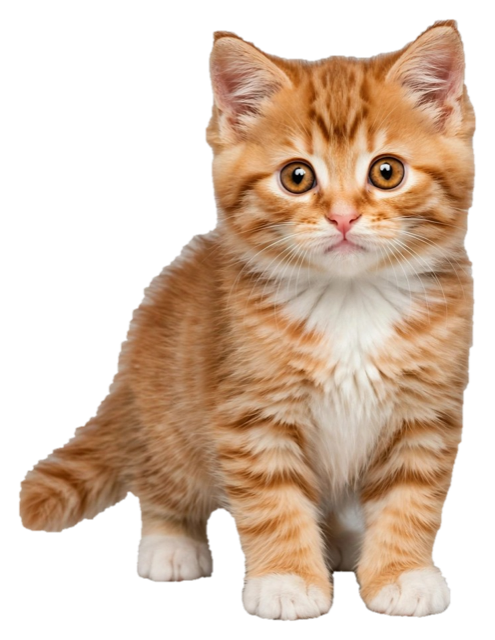
Each pet gets its own card, its own colour and its own moves. The first pet comes with PetPeek, and each extra one is $10, once.
Pick a vibe like “Playful & energetic” or “Calm & cosy”, and PetPeek creates a companion for you. Sparky was made this way.
No subscription and no account. Your pet is yours, like a photo on your desk.
Checkout opens at launch. Leave this page open or come back soon.
For macOS · One-time payment
Yes. $20 gets you PetPeek with your first pet. There’s no subscription. If you want more pets later, each one is $10, also one-time. Each pet includes up to 12 move clips (new moves and redos), and the moves you make are yours to keep.
No. Clicks go straight through your pet to whatever’s underneath. You pick how often visits happen, pause them from the menu bar, and there are no visits while your screen is locked.
PetPeek cuts your pet out of the photo on your Mac. Only the finished cut-out is sent to make the move clips. Your pets and clips are stored on your computer.
The clips are made from your own photos, so it’s your pet’s face, fur and markings, not a cartoon. Clear photos with the whole body in view work best.
Dogs, cats, rabbits, parrots and budgies, hamsters, guinea pigs, fish, turtles and tortoises, ferrets, chinchillas, rats, mice, hedgehogs, lizards, snakes, horses, chickens, ducks, pigs, goats, squirrels and frogs. Anything else can be added as “Other”.
PetPeek is on Mac today. A Windows version is in the works.
Two photos, a few minutes, and they’re on your desktop for good.
Get PetPeek $20 once